
Boundary Mode™
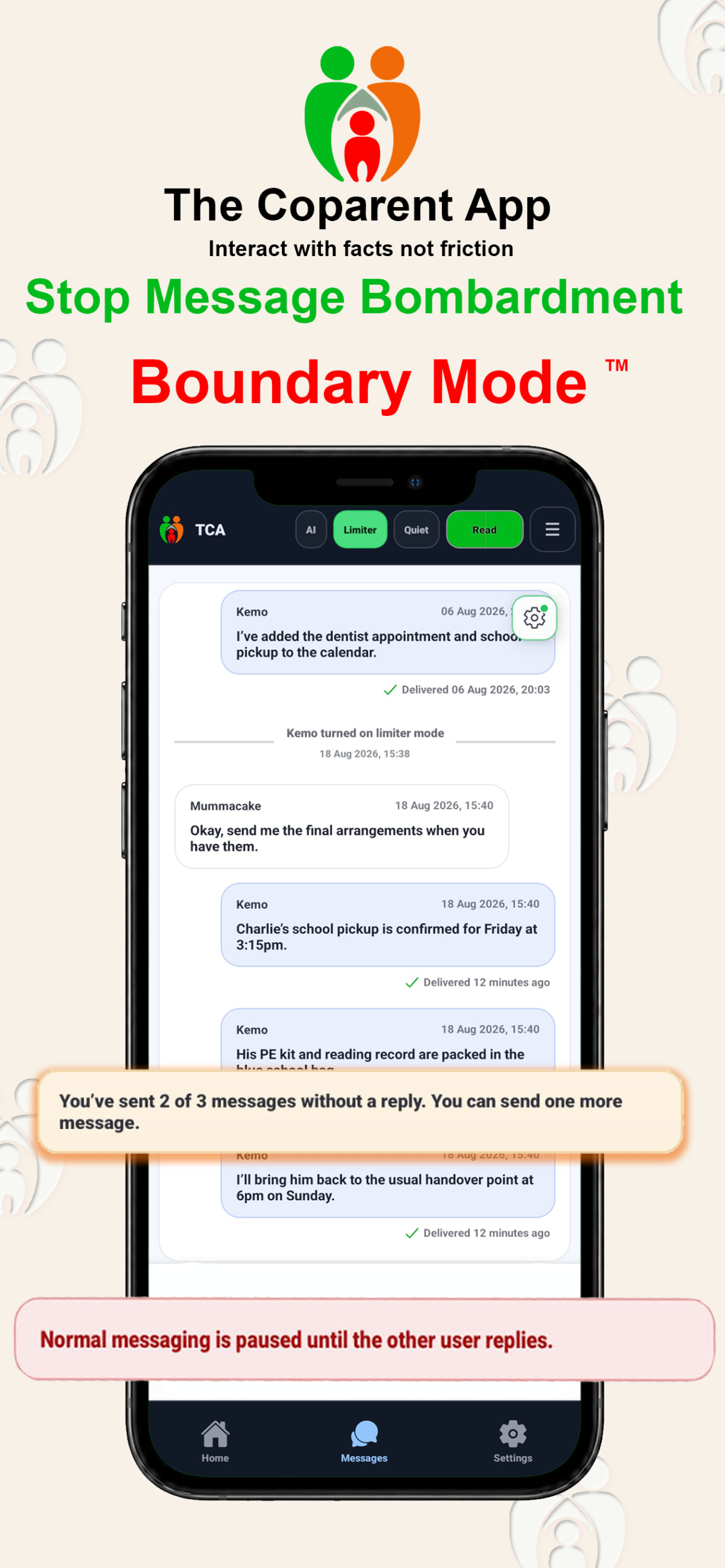
Each parent can send up to three consecutive normal messages without a reply. When the other parent responds, the allowance resets.
See how Boundary Mode™, Bridge Mode™, structured messages, shared schedules, expenses and organised records fit together.
These are separate features that work alongside each other: Boundary Mode™ protects against repeated unanswered messaging, while Bridge Mode™ lets communication continue when only one parent uses the app.
Each parent can send up to three consecutive normal messages without a reply. When the other parent responds, the allowance resets.
The app user writes inside The Coparent App while the other parent receives and replies through ordinary email.
The app user writes and sends a structured message from the familiar conversation screen.
The recipient reads it in their ordinary inbox. They do not need an app account or subscription.
The new reply text appears in the same chronological conversation and helps keep the record together.
Read the full Bridge Mode explanation or follow the step-by-step user guide.
Could you confirm whether you can collect at 3:15pm on Friday? Please reply by Wednesday evening if possible.
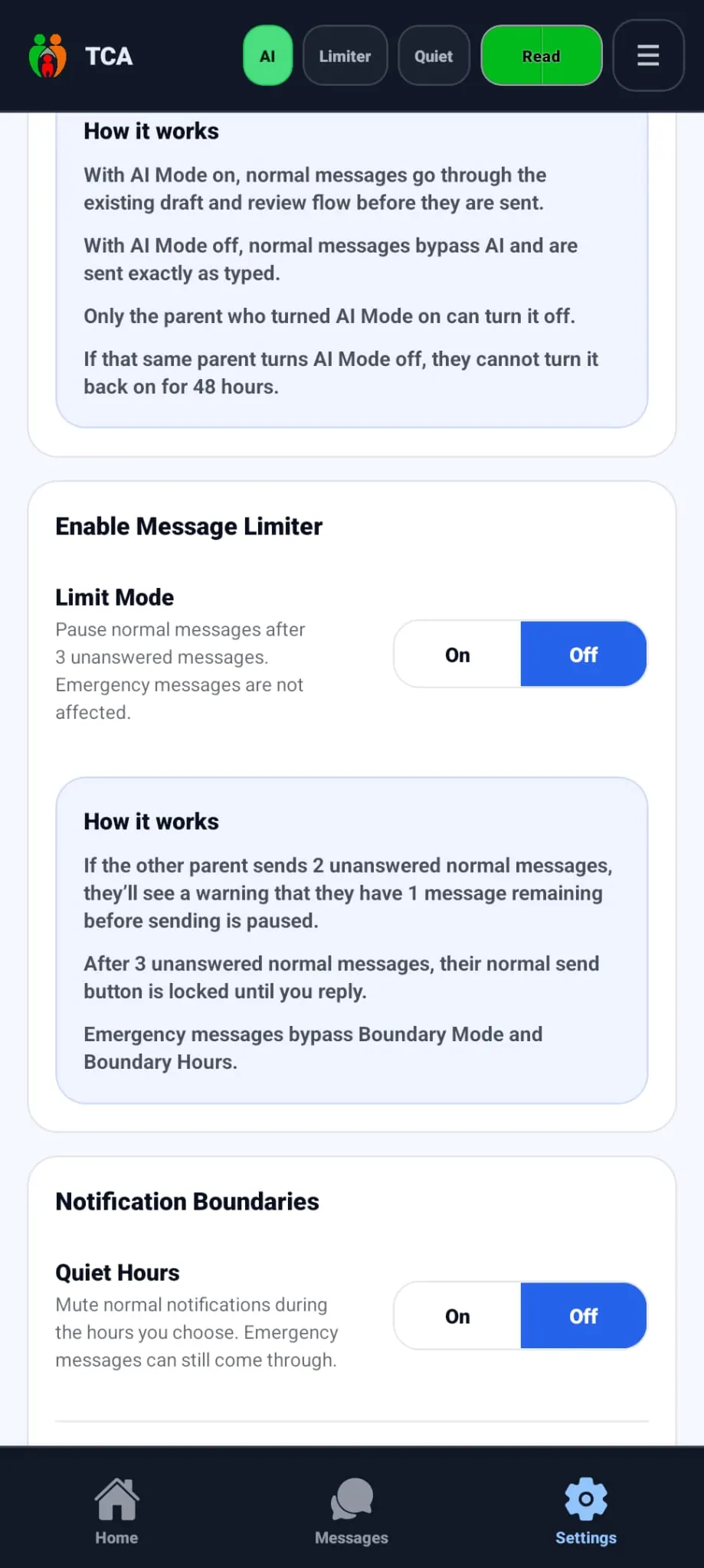
Choose notification hours for normal communication. Messages remain recorded and available to read later, while genuine Emergency-section alerts can still come through.
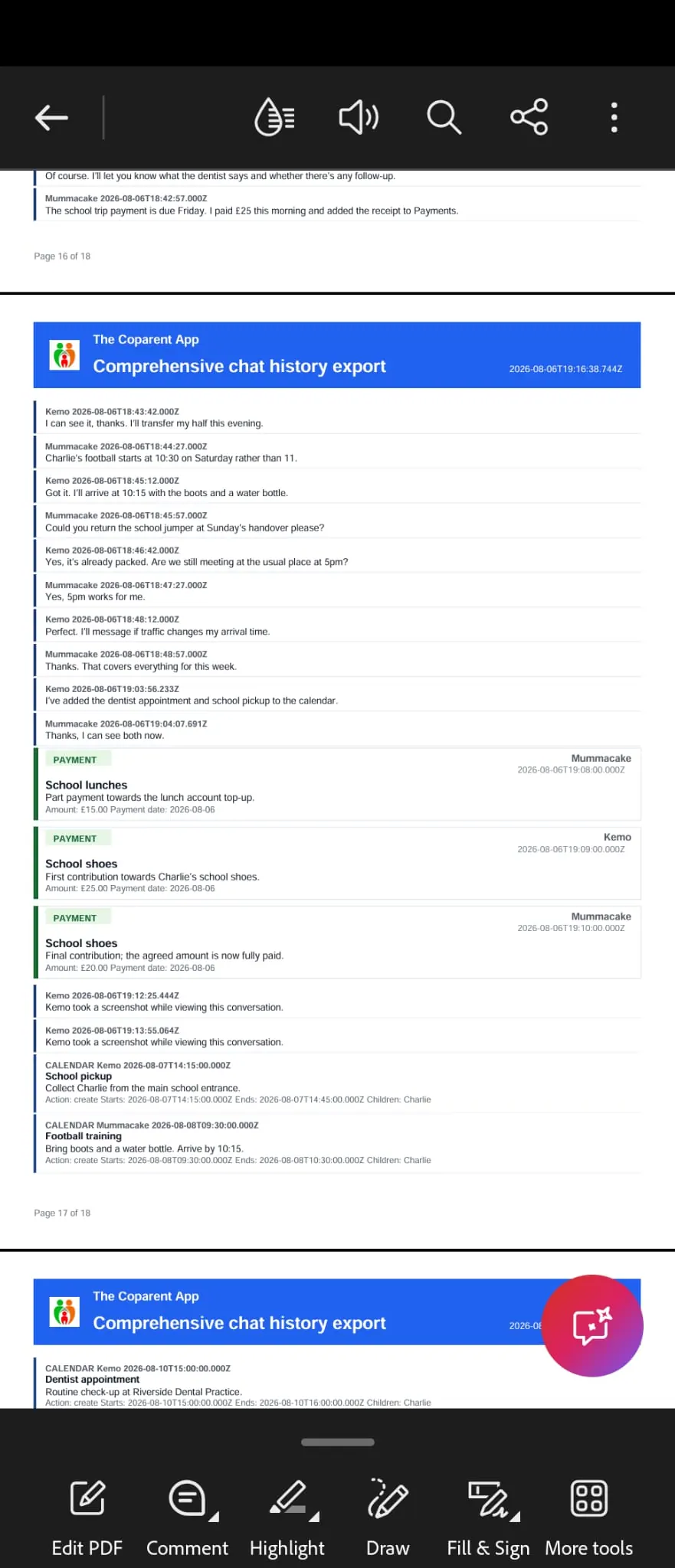
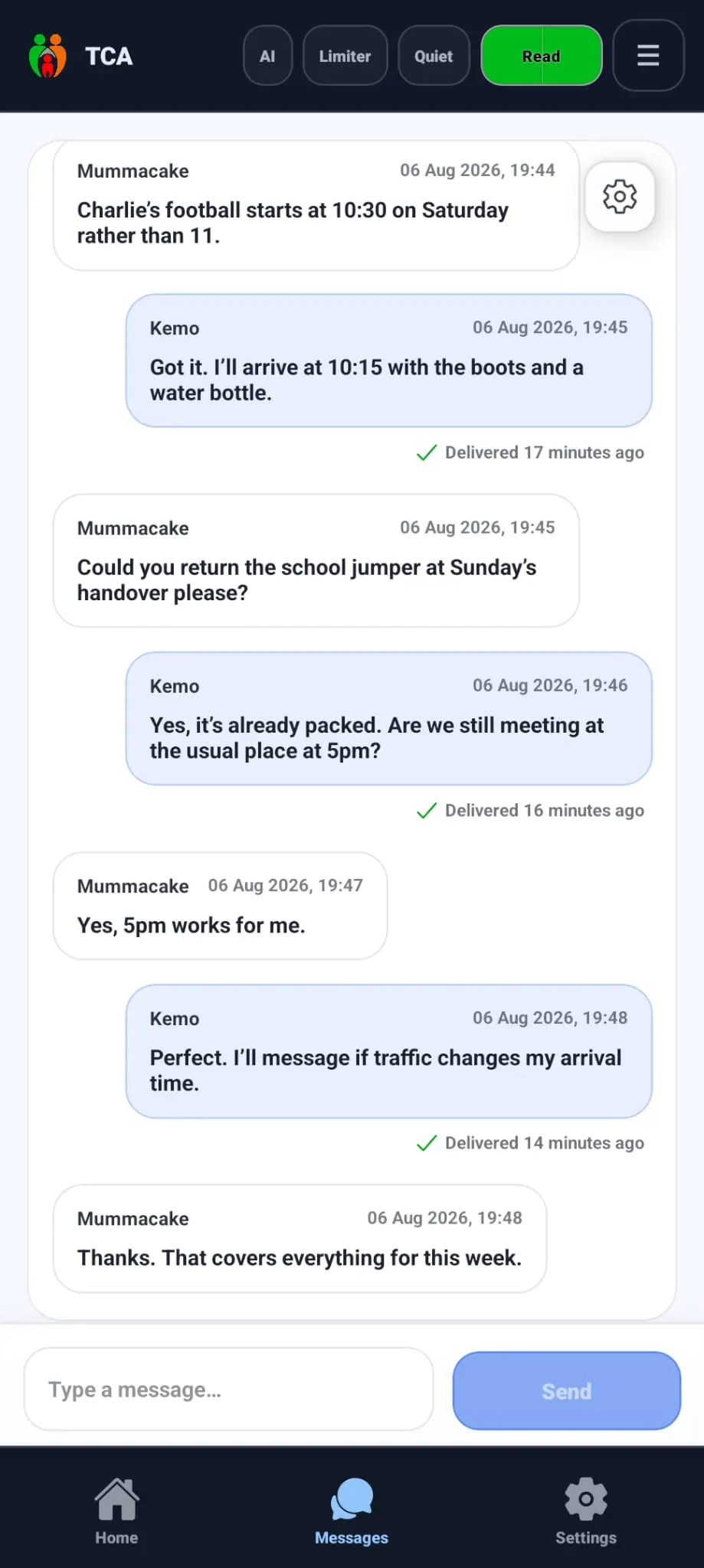
These are the same current iPhone screens shown in the homepage feature section.
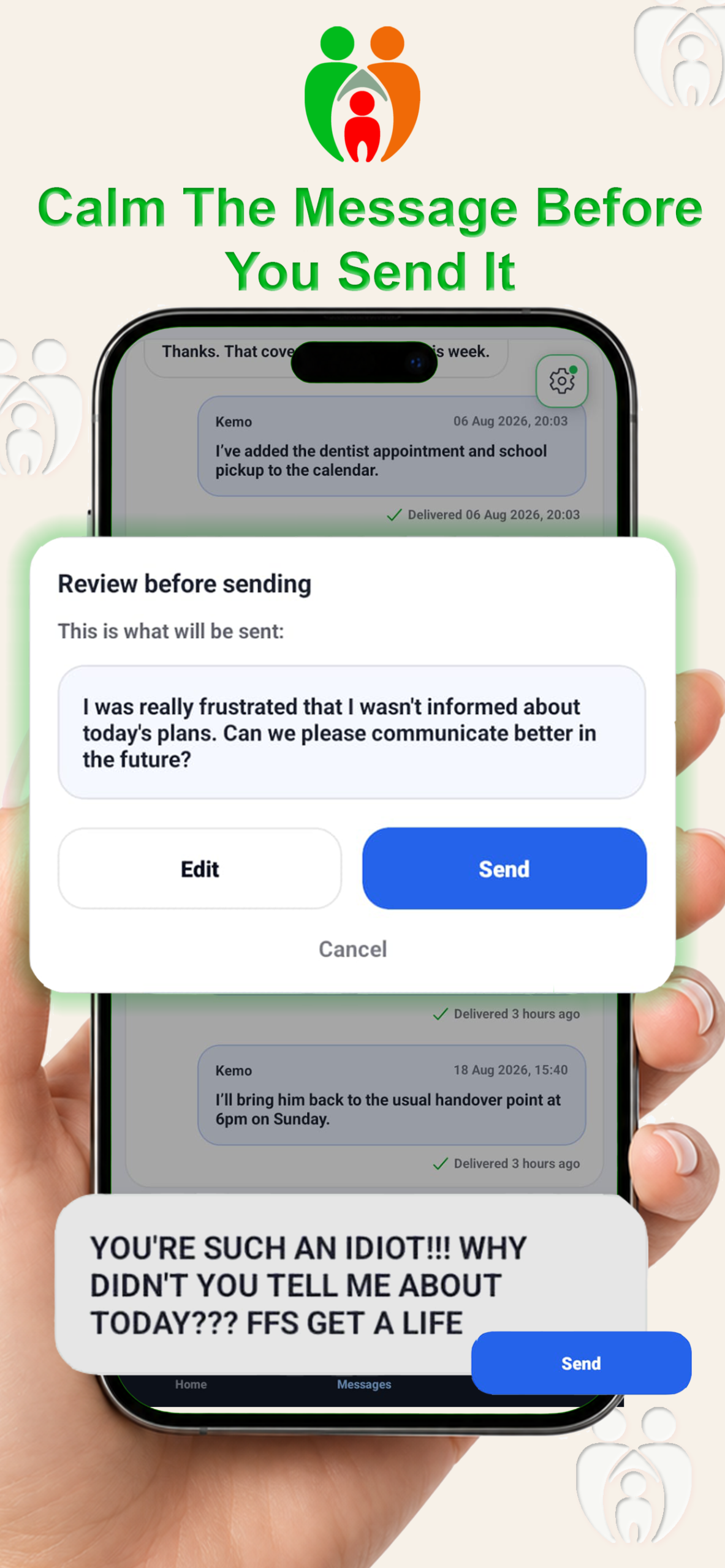
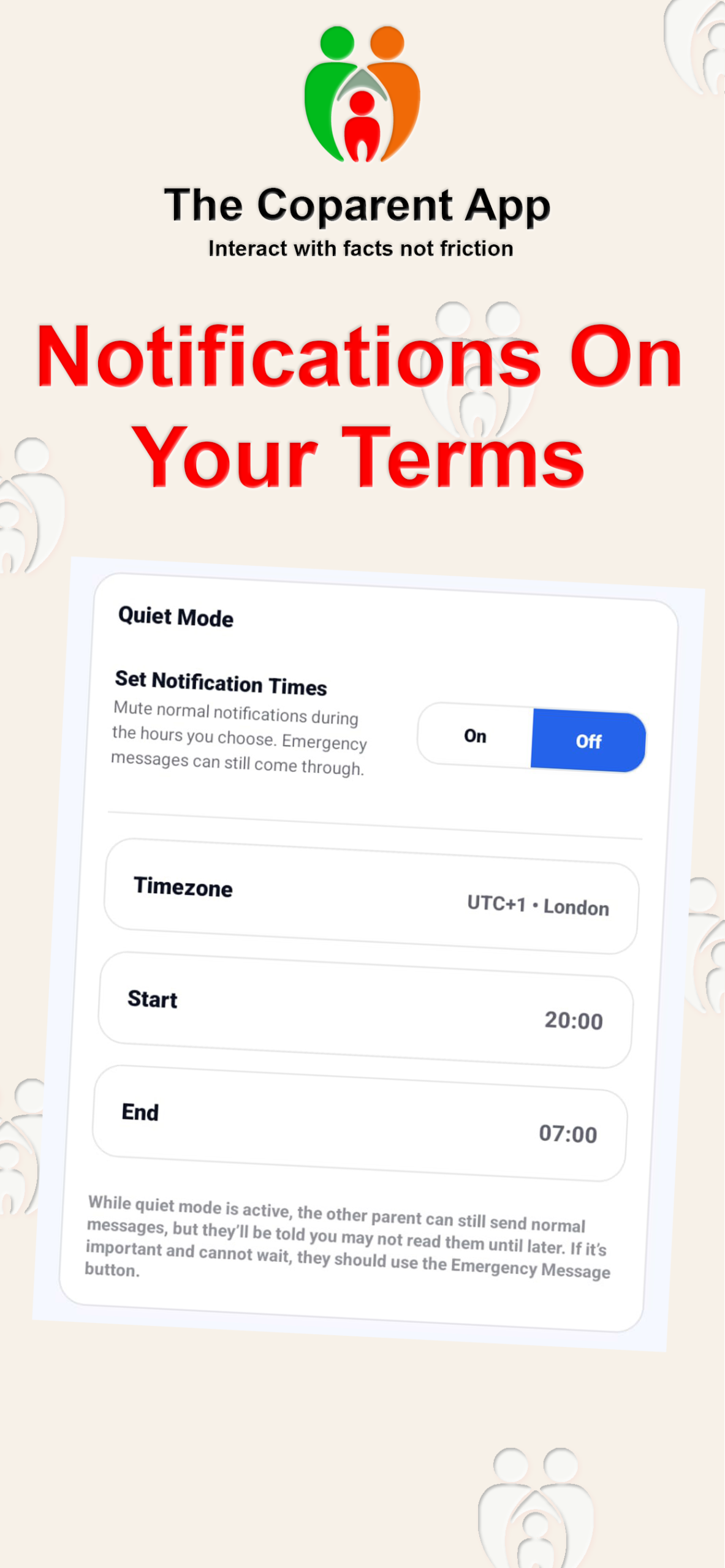
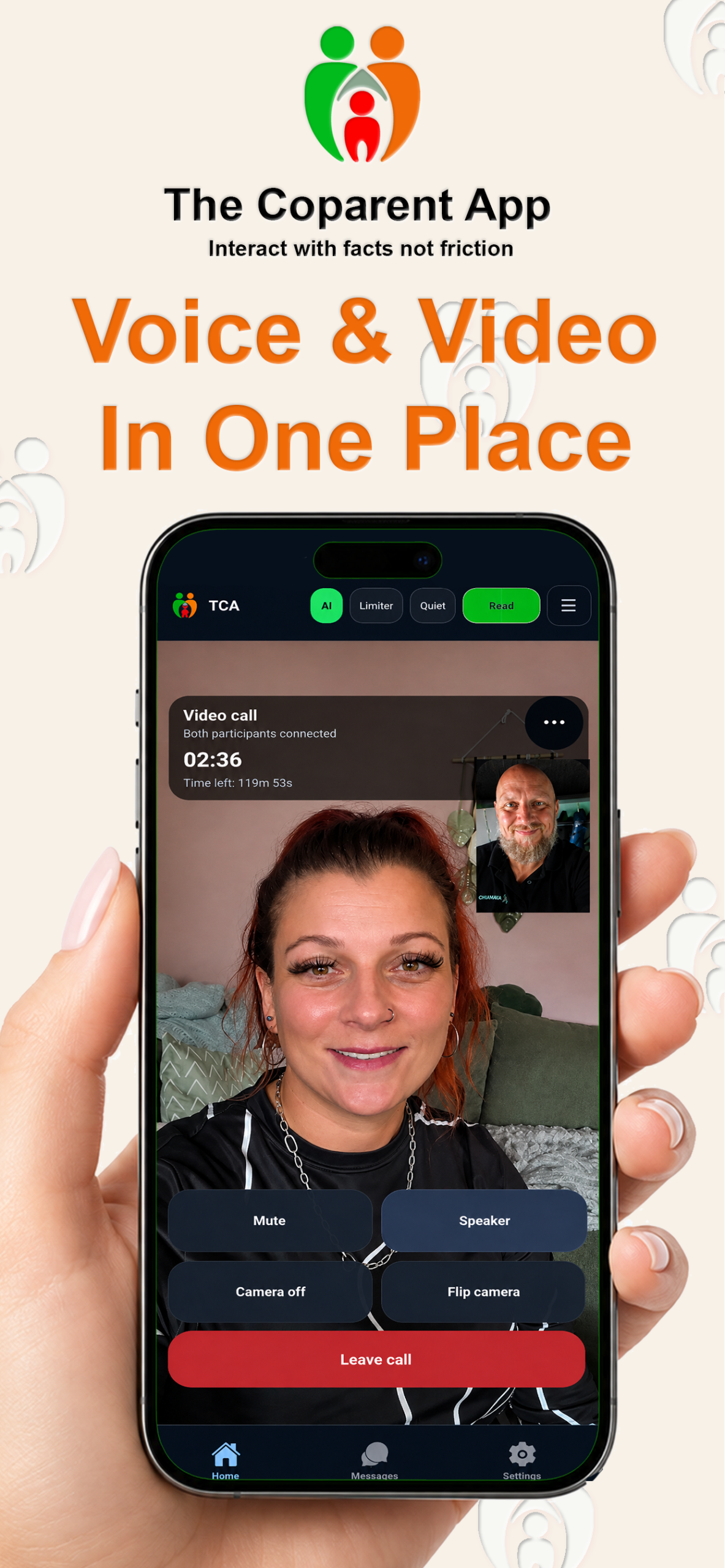
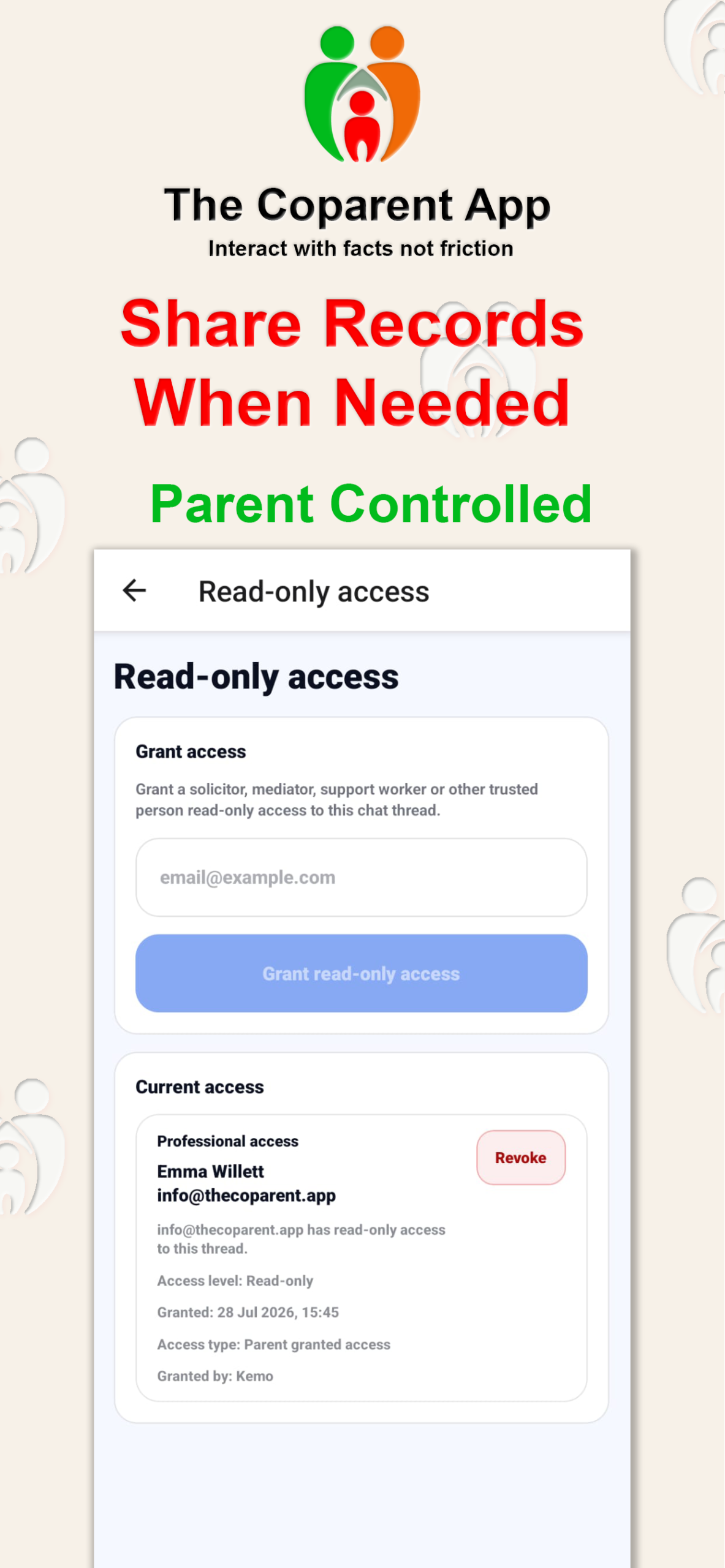
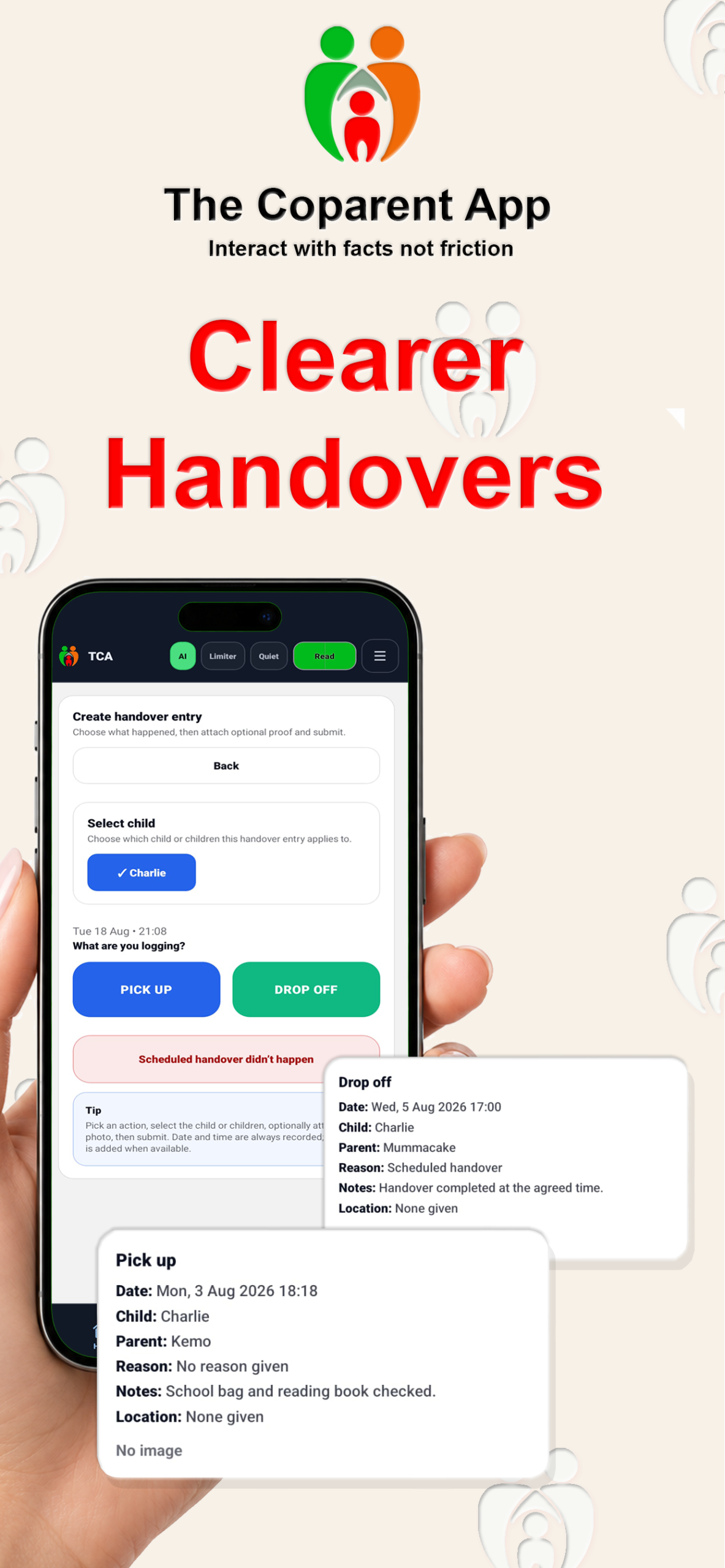
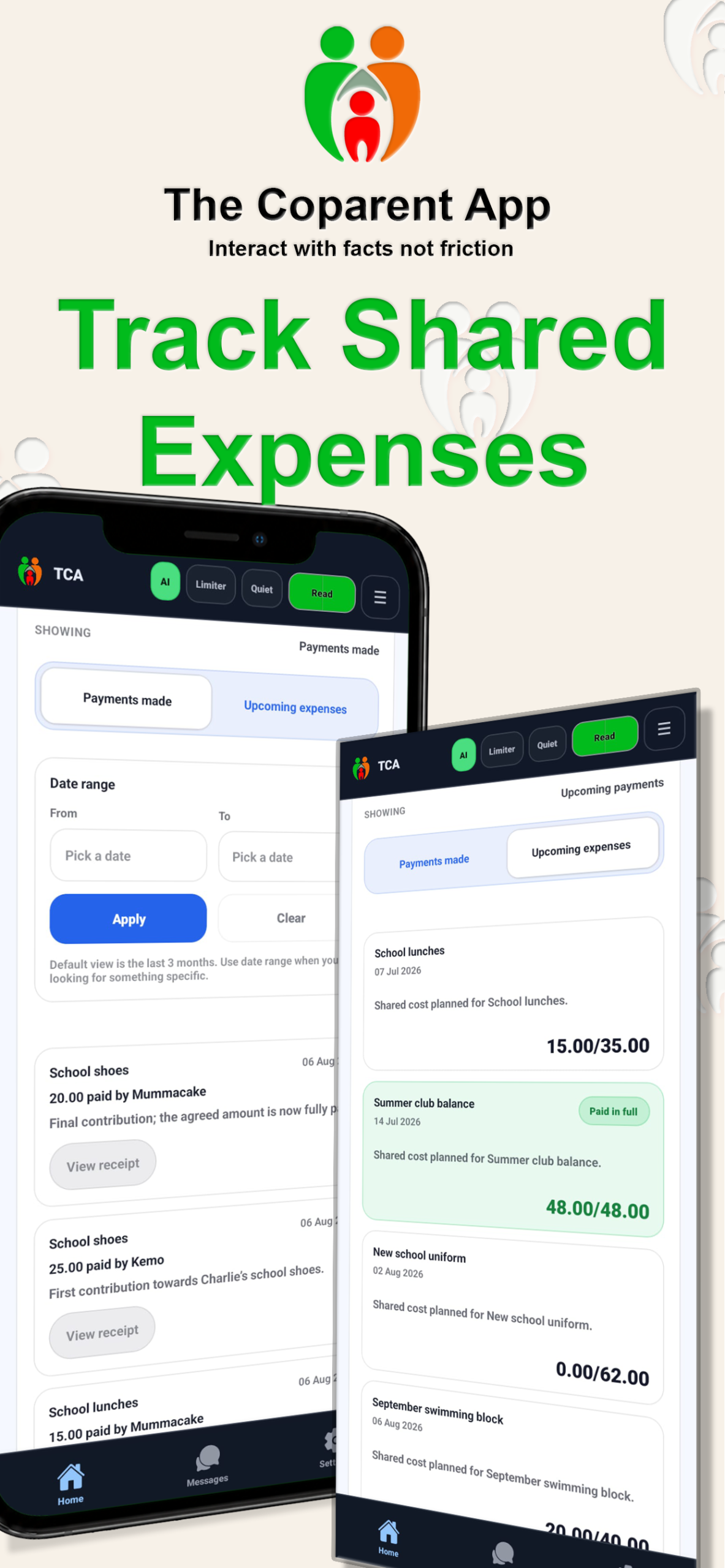
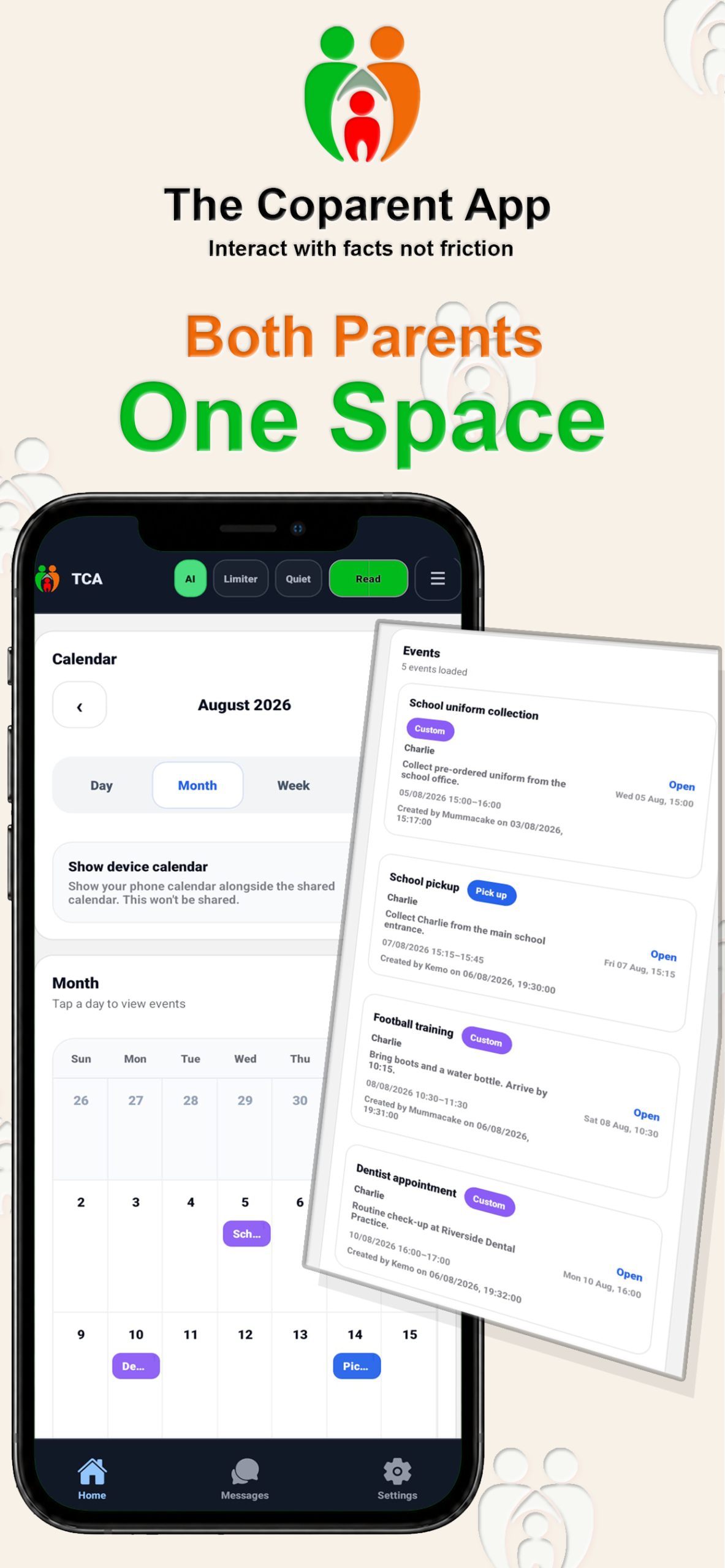
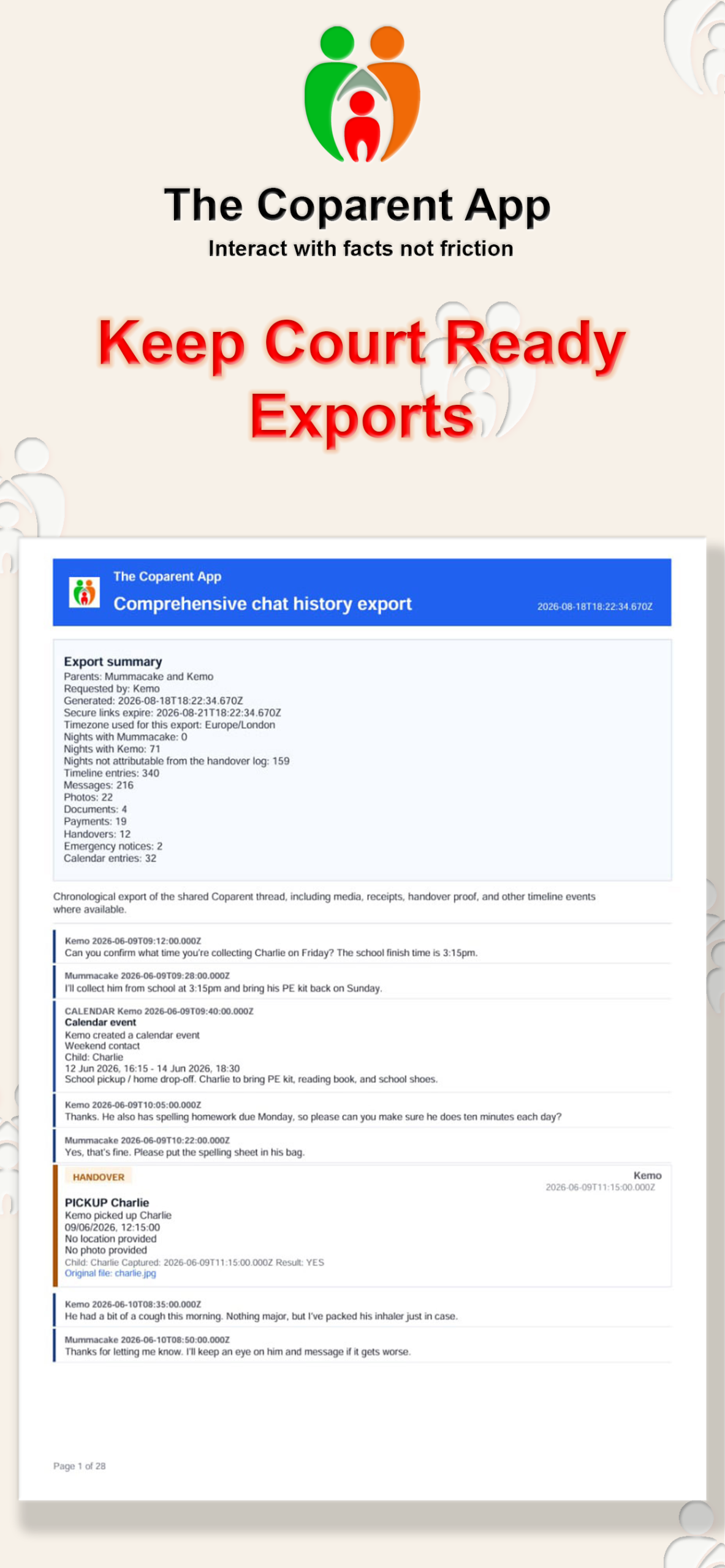
Use the app together, or choose Bridge Mode™ if the other parent prefers ordinary email.
Screens show the current app design. Exact labels and layouts may vary by app version, device and email provider.